Find a Word from a Description: A Worked Example · Lingo Bear
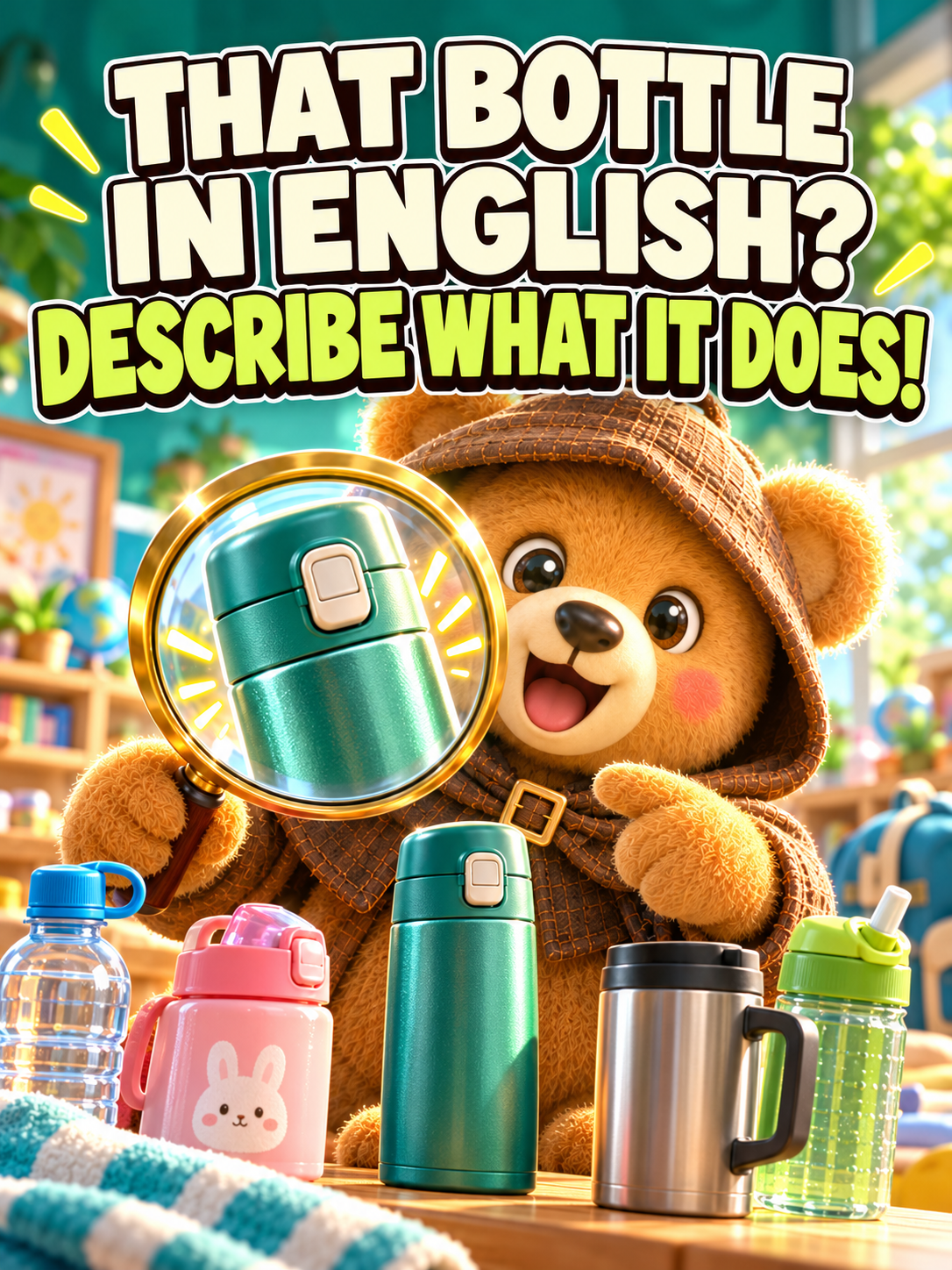
Use purpose and shape to find a candidate word, compare meanings, and check a bilingual card with a real insulated-bottle example.
Explore the full example →词谱 is the standalone Lingo Bear AI Dictionary app. Describe an object’s place, shape or purpose to find candidate words, then open a bilingual card to check the meaning, pronunciation and examples. You can also explore related words from an everyday context.
Public examples need no sign-in. App availability, devices and access depend on the current store and in-app information.
Look for candidate words without already knowing the exact name.
Explore vocabulary through a place, purpose or characteristic.
Continue with available word-card meanings, pronunciation and examples.
Say where it is, what it looks like or what it does. Leave uncertain details open for checking.
Results help you look for a word; they do not guarantee a single correct answer. Decide which candidate fits your situation.
Read the relevant meaning and examples, and check the picture and sound. Add a condition and try again if necessary.
Explore a recorded example before deciding how to begin.
Use purpose and shape to find a candidate word, compare meanings, and check a bilingual card with a real insulated-bottle example.
Explore the full example →Follow a real classroom-toy query from a context to candidate words and bilingual cards, without treating the result as an exhaustive list.
Explore the full example →Check whether it fits the task you have in mind.
Installation, memberships, additional purchases and available options are separate. Check the App Store and the in-app confirmation screen for your region’s current price and applicable access. The demonstration does not mean every feature is free.
These public examples need no sign-in or parent verification. Before using protected app features, select the actual learner’s age and country of residence accurately. Parent or guardian consent and KWS adult verification are required only where the learner’s age, residence and requested features call for them; other eligible users may consent for themselves.
The three apps share KWS adult verification, but each explains its processing, obtains consent and manages product permission separately. Permission for one product does not authorize another. Payment or a checkbox cannot replace required verification. Read the formal parent-verification and product-permission notice before use.
Describe a place, purpose, shape or action, examine the candidate words, and check a relevant card. Add information when the first description is ambiguous.
No. Descriptions may be ambiguous, and results may be incomplete or incorrect. Check candidates against the context.
They are different product entry points. Do not assume shared accounts, subscriptions or private learning data; check the service you intend to use.
Different inputs have different uses and limits. Identifying objects, recognizing printed text and describing something by voice are not interchangeable capabilities. Check current support.
No. Sign-in-free examples are available without verification. Complete the relevant product’s consent and adult-verification flow only when the learner, region and requested features require guardian permission.
Examples show a particular recorded workflow. They do not guarantee learning outcomes or the accuracy of every response.
Public examples use demonstration material, not private searches, personal stories or learning records. Read this product’s privacy and account deletion information before use, and follow the current guardian-verification requirements where applicable.
Describe a place, shape or purpose to explore matching words, then open bilingual cards for meanings, pronunciation and examples.
View Dictionary on the App Store