Create a Personalized Chinese–English Storybook · Lingo Bear
Follow one real forest-adventure book from its characters and draft change to the finished Chinese and English sentence.
Explore the full example →Start with an adventure your child cares about. Give the main character a name, include a family member, and review the story draft before continuing. Then read the illustrated book and hear the same sentence in Chinese and English. Our forest-adventure demonstration shows what personalization means in practice.
Public examples need no sign-in. App availability, devices and access depend on the current store and in-app information.
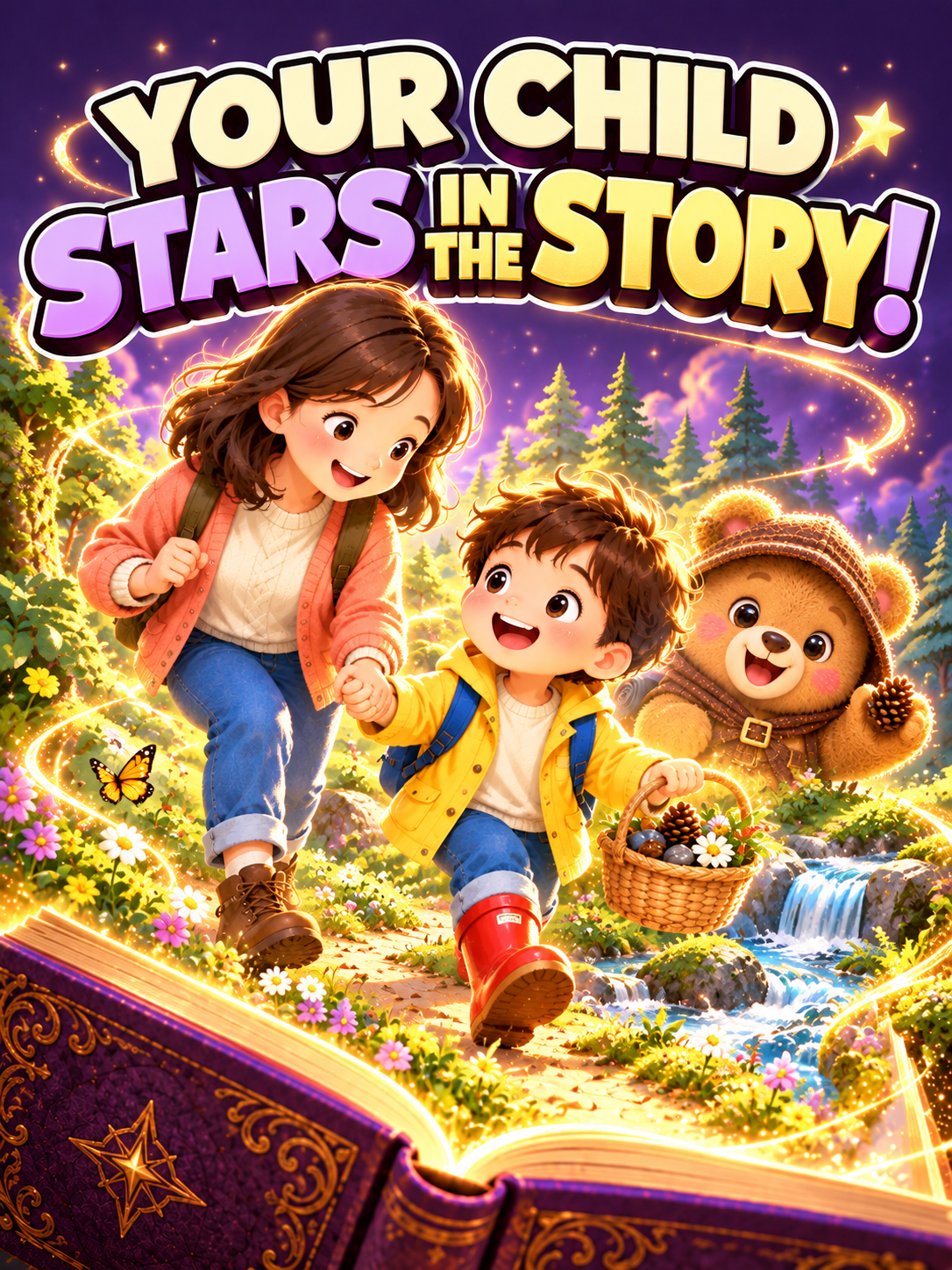
Carry a name, family relationship and interest through one story—not just its cover.
Review and adjust story details at the draft stage.
Read the finished book with illustrations and Chinese and English narration.
Choose a name, a family relationship and an interest or experience. The demonstration follows Lele and Mama on a forest treasure hunt.
Read the draft and change a detail before continuing. In this example, red rain boots become part of Lele’s adventure.
Allow time for generation, check the text and illustrations, and play the Chinese and English narration. Explore supported interactive words along the way.
Explore a recorded example before deciding how to begin.
Follow one real forest-adventure book from its characters and draft change to the finished Chinese and English sentence.
Explore the full example →Hear one sentence from a personalized forest story in Chinese and English, then use the picture and text to plan a family reading session.
Explore the full example →Check whether it fits the task you have in mind.
Installation, memberships, additional purchases and available options are separate. Check the App Store and the in-app confirmation screen for your region’s current price and applicable access. The demonstration does not mean every feature is free.
These public examples need no sign-in or parent verification. Before using protected app features, select the actual learner’s age and country of residence accurately. Parent or guardian consent and KWS adult verification are required only where the learner’s age, residence and requested features call for them; other eligible users may consent for themselves.
The three apps share KWS adult verification, but each explains its processing, obtains consent and manages product permission separately. Permission for one product does not authorize another. Payment or a checkbox cannot replace required verification. Read the formal parent-verification and product-permission notice before use.
Create around a name, family relationship and interests, then adjust the story at the draft stage. Available options and usage costs follow the current in-app information.
This demonstration supports editing during the draft stage. It does not promise unlimited changes to every completed illustration, recording or page.
Yes. This example follows one finished book and plays the same sentence in Chinese and English, rather than combining unrelated books.
No instant-generation promise is made. Story and media creation take time and depend on the selected options and service conditions. The demonstration edits out some waiting.
No. Sign-in-free examples are available without verification. Complete the relevant product’s consent and adult-verification flow only when the learner, region and requested features require guardian permission.
Examples show a particular recorded workflow. They do not guarantee learning outcomes or the accuracy of every response.
Public examples use demonstration material, not private searches, personal stories or learning records. Read this product’s privacy and account deletion information before use, and follow the current guardian-verification requirements where applicable.
Create a story around your child’s name, family and interests. Review the draft, then explore the finished book with Chinese and English narration.
View Storybooks on the App Store